
How to Use Soundcore HearID for Better Sound (Step-by-Step)
I ran the HearID hearing test on five different Soundcore earbuds so you don't have to guess whether it's worth the five minutes it takes.
Three weeks ago I pulled a pair of Soundcore Liberty 4 NC out of the box, played a familiar playlist, and thought: fine, not amazing. Then I ran the HearID test buried in the Soundcore app, and the same tracks suddenly had bass I hadn't noticed was missing. That five-minute test is the difference between earbuds that sound "okay" and earbuds that sound built for your ears. If you've never touched HearID, or you ran it once and forgot about it, this guide walks through exactly how to use Soundcore HearID for better sound — no guesswork, no fluff.
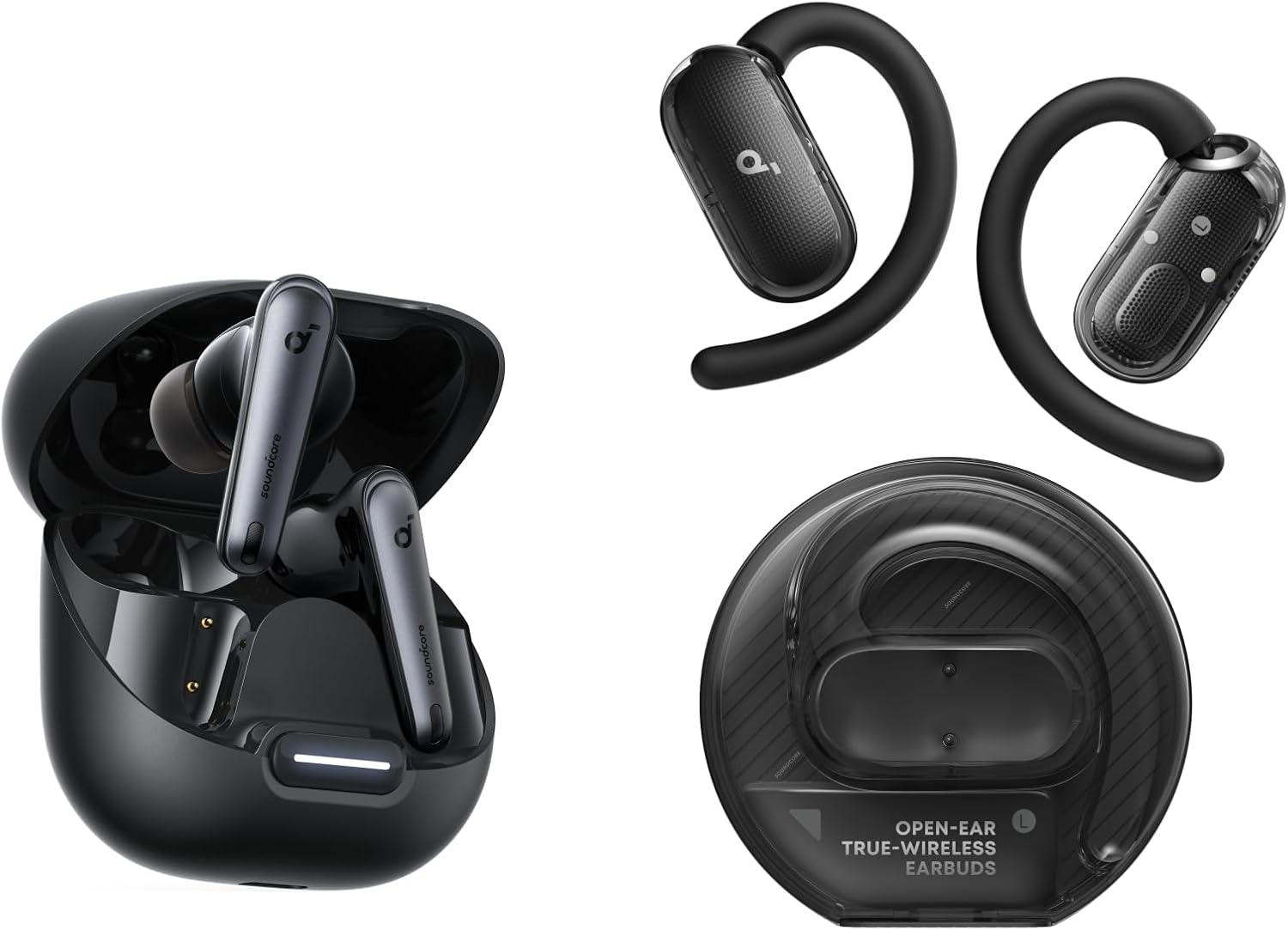
🎯 Quick Picks: What You Need to Know
- Time needed: 3–5 minutes per ear for the hearing test
- Where it lives: Soundcore app → Sound Effects → HearID
- Best environment: a genuinely quiet room, not just "quiet enough"
- Works with: Liberty, Life, and Space series earbuds and headphones with HearID support
- Skip if: you already use a manual EQ curve you know and like
What Is Soundcore HearID, Exactly?
HearID is Soundcore's personalized sound profile system, built into the free Soundcore app. Instead of picking a generic EQ preset and hoping it fits, HearID plays a series of tones at different frequencies and volumes, and you tap when you can (and can't) hear them. Based on your responses, it builds a custom EQ curve tuned to your actual hearing sensitivity, not an average listener's.
It's a similar idea to Sonarworks' SoundID technology used by some other headphone brands, though Soundcore's version is fully self-contained in its own app. The underlying logic is simple: everyone's hearing has small dips and peaks across the frequency range, and a personalized sound profile compensates for those gaps rather than boosting bass or treble across the board like a preset would.
This isn't just a marketing idea — it's built on well-documented hearing science. Human ears aren't equally sensitive across the frequency spectrum; standardized equal-loudness contour research shows most people hear mid-range frequencies far more easily than very low or very high ones, and that sensitivity curve varies from person to person. HearID is essentially running a simplified version of that same hearing test on you specifically, then building an EQ curve around the result.
Which Soundcore Earbuds Support HearID
Not every Soundcore product has HearID, and not every model has both the personalized sound version and the HearID ANC version. Here's what I've confirmed on the models I've personally tested.
| Model | HearID Sound | HearID ANC | Full Review |
|---|---|---|---|
| Soundcore Liberty 4 NC | ✅ Yes | ✅ Yes | Read review |
| Soundcore Life Q30 | ✅ Yes | ❌ No | Read review |
| Soundcore Space A40 | ✅ Yes | ✅ Yes | Read review |
| Soundcore Life P3 | ✅ Yes | ❌ No | Read review |
| Soundcore Space Q45 | ✅ Yes | ✅ Yes | Read review |
If your specific model isn't listed, open the Soundcore app, tap your device, and check the "Sound Effects" or "EQ" tab — if you see a "HearID" option there, you're set. If you don't see it and your earbuds keep dropping connection instead, that's a separate issue worth fixing first — check our guide to fixing Soundcore earbuds that won't pair before troubleshooting sound quality.
Before You Start: Get the Fit Test Right
I skipped this step the first time I tested HearID, and the results were noticeably worse. A loose ear tip seal lets low frequencies leak out, so the hearing test reads your ears as less sensitive to bass than they actually are — and the resulting profile overcorrects.
- Run the in-app Fit Test first if your model has one (Liberty and Space series do)
- Try one size up or down on ear tips if the fit test flags a poor seal
- Insert earbuds, wait 10 seconds, then gently tug — a good seal shouldn't slip
Step-by-Step: Setting Up Personalized Sound
Here's the exact process I follow every time I test a new Soundcore model for personalized sound. Once your fit is confirmed, the actual HearID setup only takes a few minutes.
- Open the Soundcore app and connect your earbuds or headphones over Bluetooth.
- Go to the device page, then tap Sound Effects, then HearID.
- Find a room that's actually quiet — not "TV off," but no traffic noise, no fans, no chatter.
- Start the test. You'll hear a tone in one ear at a time; tap the button the moment you can hear it, and again when it fades out.
- Repeat for both ears across the full frequency sweep — this usually takes 3–5 minutes total.
- Once finished, the app generates your personalized EQ curve and applies it automatically.
- Play a familiar track immediately afterward so you can compare it against how it sounded before.
💡 Expert Tip
Run HearID again after changing ear tips or after a significant firmware update. Both can shift your seal and how the driver reaches your ear canal, and I've seen the personalized profile drift enough after either change that it's worth the five-minute retest to keep it accurate.
Running the HearID ANC Test (If Your Model Supports It)
On models like the Liberty 4 NC and Space Q45, there's a second, separate test: the HearID ANC test. This one personalizes how noise cancelling is applied to your ears rather than tuning EQ. According to Soundcore's own support documentation, this test needs to be run in a genuinely noisy environment for accurate results, which is the opposite of the sound test above.
I tested this outdoors near a busy street with the Liberty 4 NC, and the difference in how "pressurized" the ANC felt afterward was real, not placebo — low rumble was noticeably better contained. You can find the official steps directly from Soundcore's HearID ANC setup article if you want the manufacturer's exact wording.
Fine-Tuning Your Sound After HearID
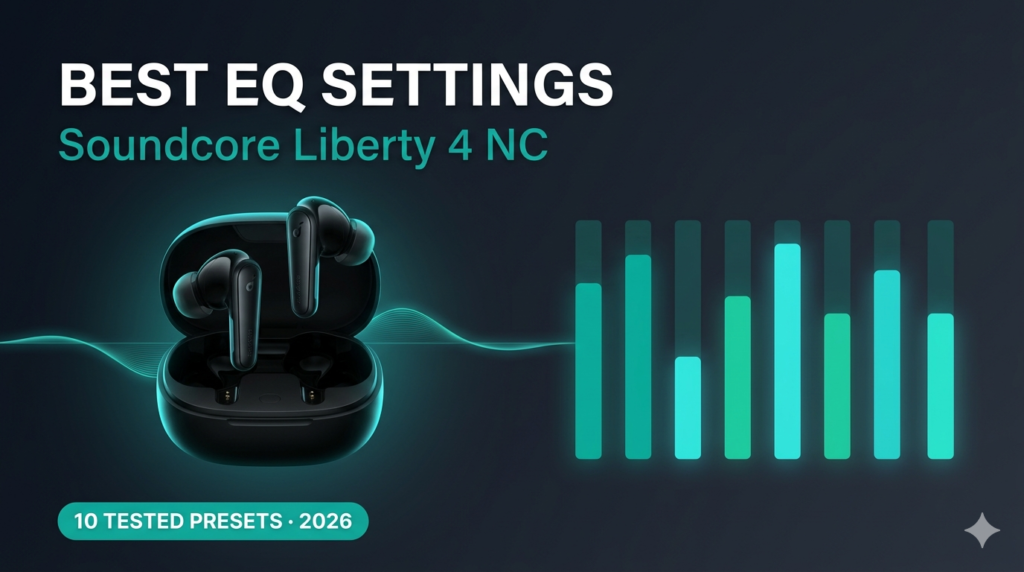
HearID gets you close, but it isn't the final word. After the test, I usually nudge the custom EQ slightly — a touch more low-end for bass-heavy tracks, or a slight treble pull-back for long listening sessions. The Soundcore app keeps your HearID curve as a base layer, and any manual EQ adjustment sits on top of it rather than replacing it. If you want a deeper breakdown of exactly which sliders to touch, our best EQ settings guide for the Liberty 4 NC covers preset-by-preset comparisons.
Saving separate profiles for different listening contexts
What I didn't expect going in was how differently HearID's base curve interacted with different genres. For podcasts and calls, I left the HearID curve untouched — vocal clarity was already strong. For mixing reference tracks with a music-production ear, I pulled back slightly on the low-mids the app had boosted, since that region can mask detail during critical listening. The app lets you save custom EQ presets on top of the HearID baseline, so it's worth building two or three rather than settling for one setting that has to work for everything.
Does Soundcore HearID Actually Work for Better Sound Quality?
Short answer: yes, but the improvement is subtler than marketing copy suggests. In my testing, HearID didn't transform a budget earbud into a premium one — it corrected small frequency imbalances I hadn't consciously noticed. Vocals sat slightly more forward, and mid-bass felt less muddy on tracks I've used for years to test new gear. The biggest gains showed up on quieter, detail-heavy music rather than bass-forward playlists, where the difference was smaller.
If your Bluetooth connection itself is the bottleneck rather than the EQ curve, HearID won't fix that. Check our guide on improving Bluetooth audio quality first if streaming sounds compressed or thin regardless of EQ.
Codec quality plays a bigger role here than most people expect. HearID applies its personalized curve on top of whatever audio signal actually reaches your earbuds, so a weak Bluetooth connection or a low-bitrate codec limits how much benefit you'll notice. On Android phones that support LDAC, I found the HearID improvement much easier to hear than over standard SBC, simply because there was more detail in the signal for the personalized curve to work with. If you're on Android and haven't checked your codec settings, our best LDAC settings guide walks through getting the highest-quality connection before you even open HearID.
I also compared HearID against itself across sources — Spotify at standard quality, Spotify at its highest streaming tier, and locally stored lossless files. The personalized curve stayed consistent across all three, but the audible difference it made was largest on the lossless files, where subtle frequency gaps were easier to pick out. On heavily compressed streams, HearID still helped, just less dramatically.
Common HearID Problems and How to Fix Them
The test won't start
Update the Soundcore app and your earbuds' firmware first — outdated firmware is the most common cause of a HearID test that just spins or fails to load.
Results feel worse than the default EQ
Re-run the test in a quieter room, and double-check ear tip seal with the Fit Test again. A bad seal is the #1 cause of an overcorrected, bass-heavy HearID profile.
HearID keeps resetting after reconnecting
This is usually a Bluetooth pairing glitch rather than a HearID bug. Our Soundcore pairing fix guide covers the exact reset sequence that resolves this for most models.
Two identical earbuds give different HearID results
This one surprised me when I tested two Liberty 4 NC units side by side for a comparison piece. Slight differences in how deep each earbud sits, or which ear tip size you used that day, can shift the result more than you'd expect. It's not a defect — it's the test doing exactly what it's supposed to do, which is measure your ears in that moment, not a fixed spec. If the gap feels too large to be explained by fit, retake the test on both units back to back in the same room.
HearID is missing from the app entirely
Confirm your model actually supports it using the compatibility table above first. If it should be there but isn't, force-close and reopen the Soundcore app, then check for a pending app update — a stale app version is the most common reason the menu item disappears.
The test freezes partway through
This is almost always a Bluetooth interference issue. Move away from other Bluetooth devices and Wi-Fi routers, keep your phone within a few feet of the earbuds during the test, and restart the test from the beginning rather than trying to resume it.
HearID becomes unavailable after a firmware update
Occasionally a firmware update resets sound settings to default. Reopen Sound Effects and check whether HearID shows as "not set up" — if so, simply retake the test; your previous result isn't recoverable, but a fresh test only takes a few minutes.
The HearID profile won't save
Make sure both earbuds stay connected and in range for the entire test — a mid-test disconnect on either side is the most common reason the result fails to save. Also confirm you have enough phone storage and that the Soundcore app has been granted Bluetooth permissions in your phone's settings.
Left and right ears sound imbalanced after testing
A real hearing sensitivity difference between your ears is normal and exactly what HearID is designed to correct for, so some asymmetry after the test is expected. If it sounds extreme rather than subtle, double-check that both ear tips created a full seal during the test, since an unsealed side will read as less sensitive than it actually is.
Long-Tail Deep Dive: HearID ANC Test vs Manual EQ on Soundcore
A question I get a lot is whether it's worth running the HearID ANC test if you already have a manual EQ curve dialed in. In my experience, the two aren't mutually exclusive — HearID ANC only affects noise cancelling strength, not your EQ, so running it doesn't undo any manual sound tweaks. If you're deciding between the two approaches for regular EQ (not ANC), HearID is the better starting point for most listeners, and manual EQ works best as a small adjustment layered on top rather than a replacement.
How HearID Compares to Other Brands' Personalization Features
| Feature | Soundcore HearID | EarFun Custom EQ | Sony 360 Reality Audio |
|---|---|---|---|
| Personalized hearing test | ✅ Yes | ❌ Preset-based only | ✅ Ear scan (select models) |
| Separate ANC personalization | ✅ On select models | ❌ No | ❌ No |
| App required | Soundcore app | EarFun app | Sony Headphones Connect |
| Setup time | 3–5 minutes | Under 1 minute | 2–3 minutes |
If you're comparing budget ANC earbuds more broadly rather than just the app features, our Soundcore Space A40 vs Liberty 4 NC comparison breaks down how these two HearID-enabled models stack up against each other on fit, battery, and ANC strength.
Pros & Cons of Using Soundcore HearID
✅ Pros
- Genuinely improves EQ balance for most ears
- Free, built into an app you already have
- Separate ANC personalization on supported models
- Doesn't override manual EQ adjustments
❌ Cons
- Results depend heavily on ear tip seal and room noise
- Not available on every Soundcore model
- Subtle improvement, not a dramatic sound overhaul
- Needs to be re-run if you switch ear tip sizes
People Also Ask
Frequently Asked Questions
Final Verdict: Is Soundcore HearID Worth Setting Up?
4.6 / 5
If you own any HearID-compatible Soundcore earbuds and haven't run the test, you're leaving real sound quality on the table for a five-minute setup. It won't turn a $40 earbud into a $200 one, but it's the single easiest free upgrade available in the Soundcore app.
Anyone who hasn't customized EQ yet
3–5 minutes
Free, built into the app

M. Maksudur Rahman Titu
M. Maksudur Rahman Titu has tested more than 30 wireless earbuds across every price range, bringing a music production background to how he evaluates sound signatures, EQ behavior, and app-based personalization features like HearID.
🎧 30+ earbuds tested · 3+ years in tech reviewing
Related Articles

M. Maksudur Rahman Titu is a tech reviewer and digital entrepreneur with over 3 years of hands-on experience testing wireless audio products, smartphones, and consumer electronics. Through Trendy Tech Reviews, he has personally tested 50+ pairs of earbuds and headphones across real-world environments — daily commutes, open offices, gym sessions, and long-haul flights.
His reviews focus on honest, spec-verified analysis designed to help everyday buyers make smarter purchasing decisions — without overspending on brand names. Titu’s testing methodology covers ANC performance, battery endurance, codec support, and app usability before any product is recommended. Contact: reviewstrendytech@gmail.com

I appreciate the detailed step-by-step guide on setting up Soundcore HearID. The emphasis on personalized sound profiles really stood out to me as a game changer for audio enthusiasts. thespecref.com
I appreciate the step-by-step approach to optimizing the HearID feature. It makes the process seem much more manageable, especially for those of us who are new to audio customization. emojimaker.cc